Top industry rating - 4.9 out of 5 stars. Trusted by the owners of 3 Million domains.
Hosting plans for WordPress websites
For a limited time, get a free domain and free site transfer on all plans
StartUp
For personal projects & small sites
$1.99/mo.
Renews at $17.99/mo. Prepaid for 12 months. Ex. VAT
See Features
Hide Features
- Features included
- Core Features
- Services for WordPress
- Al service
BEST VALUE
$29.99 Save 86%
GrowBig
Perfect for your growing business
$3.99/mo.
Renews at $29.99/mo. Prepaid for 12 months. Ex. VAT
See Features
Hide Features
- Features included
- Core Features
- Services for WordPress
- Al service
- Exclusive Features
GoGeek
More power & features for big sites
$5.99/mo.
Renews at $44.99/mo. Prepaid for 12 months. Ex. VAT
See Features
Hide Features
- Features included
- Core Features
- Services for WordPress
- Al service
- Exclusive Features
AI built into your hosting to manage and grow your site
Enjoy free access to an AI agent for WordPress, a workspace to chat with leading AI models, and the option to unlock AI agents for business growth.

Free AI agent to manage your WordPress
Our built-in AI agent connects directly to your site and helps you manage it through a simple chat. Connect multiple sites and manage them all from one conversation, even in bulk.
Unified access to multiple AI models
Every hosting plan includes a free AI Studio Essential - a unified workspace to chat with ChatGPT, Claude, Gemini, and other leading AI models for anything from content to strategy.
More agents, expandable AI power
Go beyond site management with specialized AI agents for SEO, email marketing, social media, and more, available on AI Studio Plus. Your hosting grows with your ambitions.
Lightning-fast WordPress websites
We measured actual websites before and after migration to SiteGround, tracking both TTFB and page load times for real-world performance. WordPress websites are on avg. 78% faster on SiteGround.*

Real-website Time To First Byte (TTFB) comparison*
Lower TTFB means faster website performance
SiteGround (faster)
Previous Host (slower)
SiteGround
Bluehost
SiteGround
GoDaddy
SiteGround
Hostinger
SiteGround
WP Engine
Page speed results after migration to SiteGround*
Actual data with real websites after migration
Hostinger to SiteGround
95.23%
speed increase
Bluehost to SiteGround
74.30%
speed increase
GoDaddy to SiteGround
79.5%
speed increase
WP Engine to SiteGround
61%
speed increase
*Based on a comparison of real-world page speed and TTFB of WordPress websites migrated from leading hosting providers Bluehost, GoDaddy, Hostinger, WP Engine to hosting companies within the SiteGround Group between 01/01/2025 and 30/06/2025 using the SiteGround Migrator plugin. Both TTFB and Page speed were measured with Google Lighthouse, using their TTFB and Speed Index metrics. Median values are reflected in the graphs. SiteGround does not claim industry-leading page speed performance and TTFB, and they may vary by website configuration and region.

Security that proactively protects your site
Sleep soundly knowing your business is protected 24/7. No more worrying about hackers, crashes, or security breaches that could cost you customers and revenue.
Intelligent WordPress management, simplified with our AI agent for WordPress
-
Automatic setup, transfer and updates
Let us do all the heavy lifting for you. Start new WordPress sites with a click, or transfer existing WordPress sites automatically - at no cost, avoiding downtime and data loss.
-
Free daily backups, geo-distributed
Keep your website work and data safe. Get full website backups automatically, every single day, for free: stored in multiple data centers geographically for extra redundancy. If something goes wrong, you can restore your website in minutes.
-
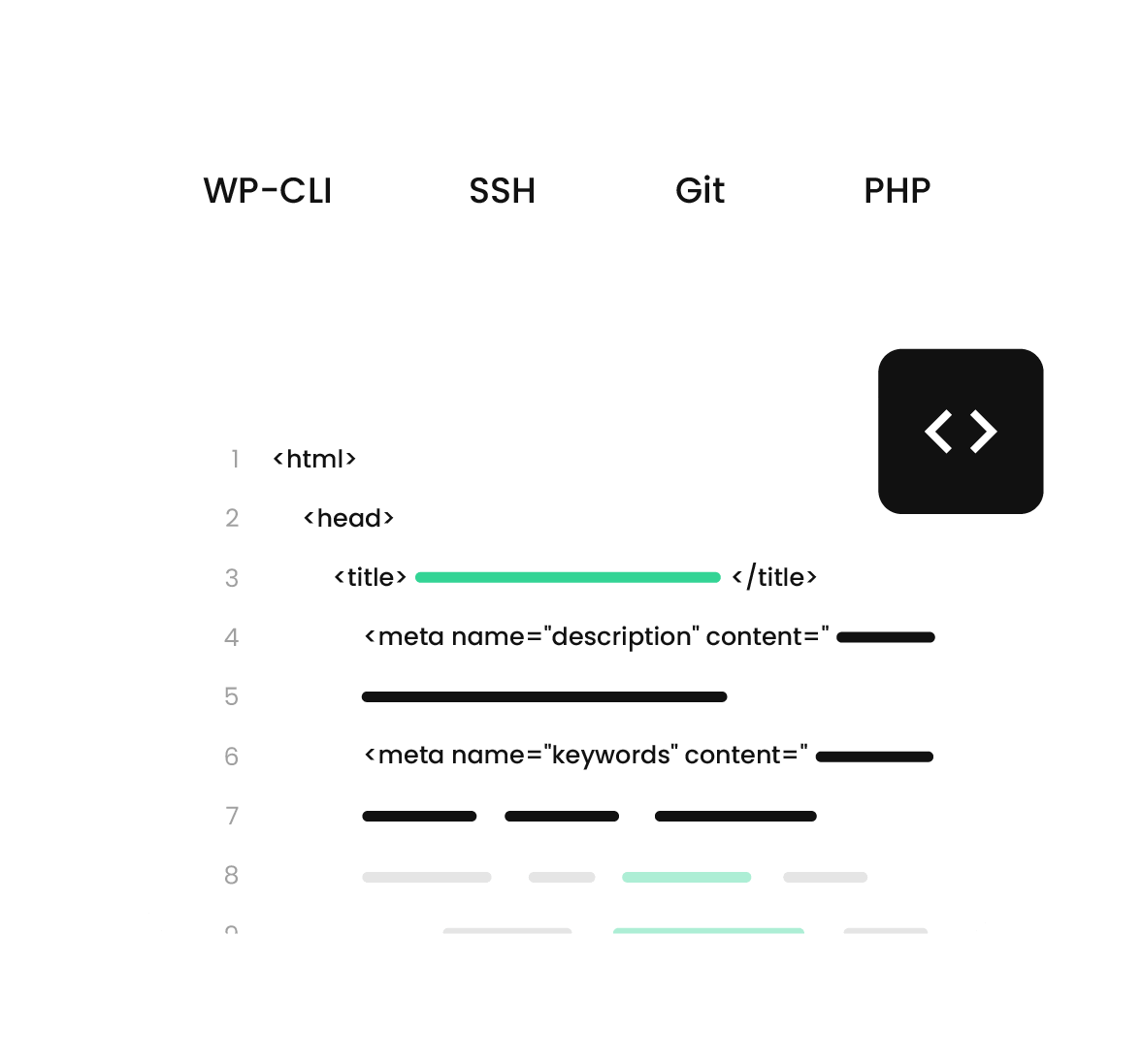
Professional dev tools
Build and update your site with confidence. Test changes safely with one-click WordPress Staging, then execute faster with professional tools like WP-CLI, SSH access, Git integration, and PHP version control.
-
Collaborate & ship sites easily
Improve team and client workflow. Work seamlessly with your team, freelancers, or web designer. Hand off completed projects to clients professionally.
-
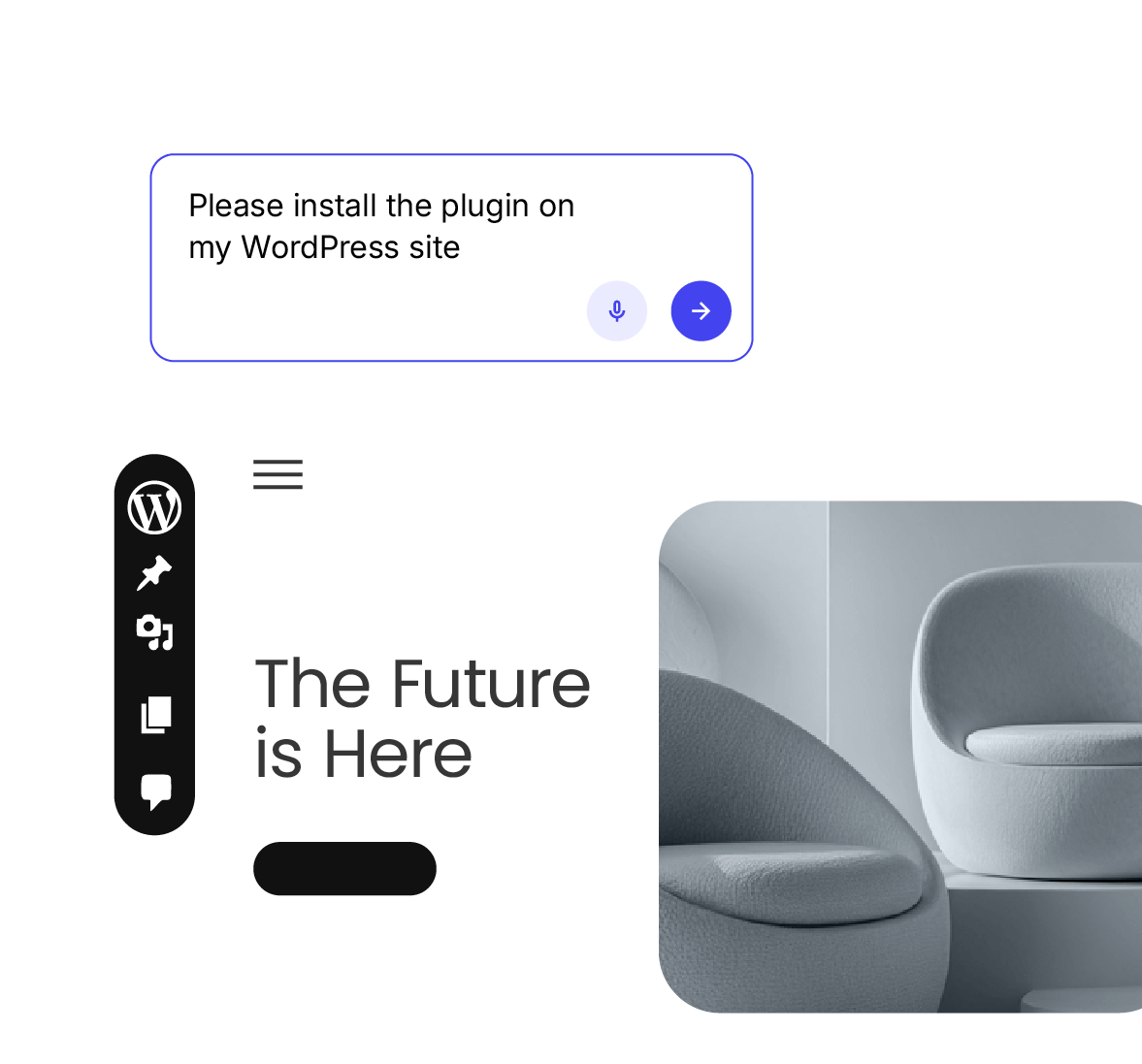
Next-gen AI agent for WordPress
Manage your WordPress sites by chatting with AI. Save time and effort by working with our built-in AI agent for WordPress, available for free for all SiteGround clients.


Real support, real humans 24/7

20+ years experience
Helping businesses succeed online
98% customer satisfaction
Steady for over 10 years
24/7 live support
Always available, always helpful
Multiple awards
For best customer service
Customer success stories
See how businesses and professionals grow with SiteGround.





Join the owners of 3+ million domains who trust us

Frequently asked questions
-
What is managed hosting for WordPress?
This is a service that includes additional WordPress-specific features, services and support, providing an extra layer of convenience for website owners. With Managed Hosting for WordPress, your web hosting provider handles all the nitty-gritty technical aspects of managing a website, including software updates, security optimizations, speed boosts, autoupdates, and more. Thus, the managed hosting for WordPress allows you to focus on your business and other important aspects of your website, such as SEO optimization, high-quality content, site traffic, etc.
-
Why choose SiteGround to host my WordPress website?
SiteGround is one of the leading hosting providers, trusted by the owners of 3,000,000 domains. As a renowned hosting provider, SiteGround has a great reputation for 24/7 expert support, bundled with an extensive list of services and solutions, crafted especially for WordPress, including a free WordPress installation, autoupdates, staging, backups, smart WAF, and others. On top of that, SiteGround offers in-house crafted plugins that help streamline otherwise complicated technical operations. Discover our Starter plugin for an easy WordPress setup, or the Migrator plugin for a hassle-free website migration. WordPress' users also leverage the free Speed Optimizer plugin for a significant performance boost, and the free Security Optimizer plugin for ultimate website safety.
-
How do I transfer my WordPress site to SiteGround?
There are three ways to transfer your website to SiteGround. You can either request a manual web migration done by our experts, transfer your website by yourself, or use our unique Migrator plugin.
SiteGround clients can easily order a manual website transfer from their Client Area.
If you are tech-savvy, you can also transfer your WordPress website to SiteGround by yourself without any assistance – you’ll need to move your files and database(s), configure your application, and point your domain’s DNS to SiteGround.
To save yourself time and hassle, you can migrate your WordPress website in just a few clicks with our free, user-friendly Migrator plugin for WordPress. For more detailed information on how to use our plugin, you can follow the steps in this tutorial.
-
Will there be downtime if I move my website to SiteGround?
When you transfer your WordPress website to SiteGround, using the WordPress Migrator plugin, the migration does not lead to any downtime for your current website. Thanks to the way the plugin works, it creates a copy of the content on your live site and populates that content into an empty website created at SiteGround. Thus, your live website will not be affected during the migration process.
-
Where will my website be hosted?
In general, websites are hosted in data centers, which are the physical facilities in which the host server is located.
Your website at SiteGround will be hosted in one of the data centers on our globally distributed infrastructure. Currently, SiteGround uses 11 data centers on 4 continents, including Ashburn (Virginia, US), Council Bluffs (Iowa, US), Dallas (Texas, US), Los Angeles (California, US), London (UK), Madrid (Spain), Eemshaven (Netherlands), Frankfurt (Germany), Paris (France), Sydney (Australia), Singapore (Singapore). These have been chosen after careful consideration, as they have proven to be among the most reliable ones.
SiteGround clients are free to choose a data center location from the ones listed above for their websites. They can also change their data center location anytime from their Client Area. To help you choose the right data center for your website, keep in mind that the closer your data center is to your website’s visitors, the faster the loading speed of your web pages will be.
-
Can I start an eCommerce website with WordPress?
Yes, you can build an eCommerce website with WordPress. To start an online shop with WordPress, you need the WooCommerce plugin installed. With SiteGround hosting for WooCommerce, you get WooCommerce easily pre-installed, as well as the popular Storefront theme, so that you can have a fully-functional ecommerce site. On top of that, WooCommerce allows you to sell any product or service (both physical or digital), accept payments out-of-the-box (including bank transfers, PayPal, cash on delivery, etc.), and configure your shipping options. For more detailed information, check out our hosting plans for WooCommerce that are designed to help you manage a successful online store.
-
Do you provide hosting plans for agencies/resellers?
Yes, SiteGround provides hosting plans for both agencies and resellers. Our web hosting plans for agencies are designed to help you build, ship and manage multiple client sites with ease. We also offer Reseller Hosting plans which are an affordable and flexible option that gives you all the necessary tools to resell hosting and manage multiple websites seamlessly. For more detailed information, check out our reseller hosting plans and our web hosting plans for agencies.